

I stopped asking AI to write Flutter screens. I still let it do the boring work.
The model will happily emit a 400-line StatefulWidget. That is the problem. Here is the split we use now: what it is allowed to touch, and what I still type myself.

The first month I let the model scaffold every screen, I felt fast in the way you feel fast when you skip lunch. PRs got longer. Reviews got worse. We had three ways to navigate, two ways to show a loading state, and a setState in places I would not put a comment.
The screens compiled. They even looked alright in a screenshot. They did not look like one product. They looked like four interns had taken turns, which is, in a sense, what had happened.
I did not swear off AI. I use it every day. I stopped asking it to own the thing the user stares at.

What the model is good at in a Flutter repo
This is the boring list. I mean that as a compliment.
- JSON serialization and the copy-with noise around it
- Test cases once I have written the first one in the style I want
- Switching a DTO when the backend renamed a field
- Regex I will not remember in six months
- "Turn this function into the Riverpod version of itself" when the function already exists
- Commit messages, if I have already staged the right files
Give it a finished shape and ask it to fill the middle. That is a good use of a model. Give it a blank lib/features/checkout/presentation folder and ask it to "build checkout." That is how you get a CheckoutScreenState with 14 fields and a FutureBuilder inside a FutureBuilder.
What I still type
Layout. Spacing. Which widget is const. Where the listen lives. What happens when the keyboard opens on a cheap Android. The empty state that does not make the client wince. The error that does not say Exception: null.
I also type the first widget in a feature. After that, the model can clone the pattern. Before that, it invents a pattern. Those are different jobs.
A generated screen we rejected last spring looked like this, shortened:
class ProfileScreen extends StatefulWidget {
  @override
  State<ProfileScreen> createState() => _ProfileScreenState();
}

class _ProfileScreenState extends State<ProfileScreen> {
  bool loading = true;
  String? error;
  User? user;

  @override
  void initState() {
    super.initState();
    load();
  }

  Future<void> load() async {
    try {
      final next = await repo.me();
      setState(() {
        user = next;
        loading = false;
      });
    } catch (e) {
      setState(() {
        error = e.toString();
        loading = false;
      });
    }
  }

  @override
  Widget build(BuildContext context) {
    if (loading) return CircularProgressIndicator();
    if (error != null) return Text(error!);
    return Column(children: [
      Text(user!.name),
      ElevatedButton(onPressed: load, child: Text("Retry")),
    ]);
  }
}
It works in a gist. In a product it is a habit you will spend a year unlearning. No keys. No const. Force-unwraps. A retry button that only exists after failure, sitting in a column with no padding, ready to be pasted into the next screen.
The version we keep is dull on purpose: a provider, a small view, a widget that can be golden-tested. Dull is how a Flutter app still feels like one app in month fourteen.
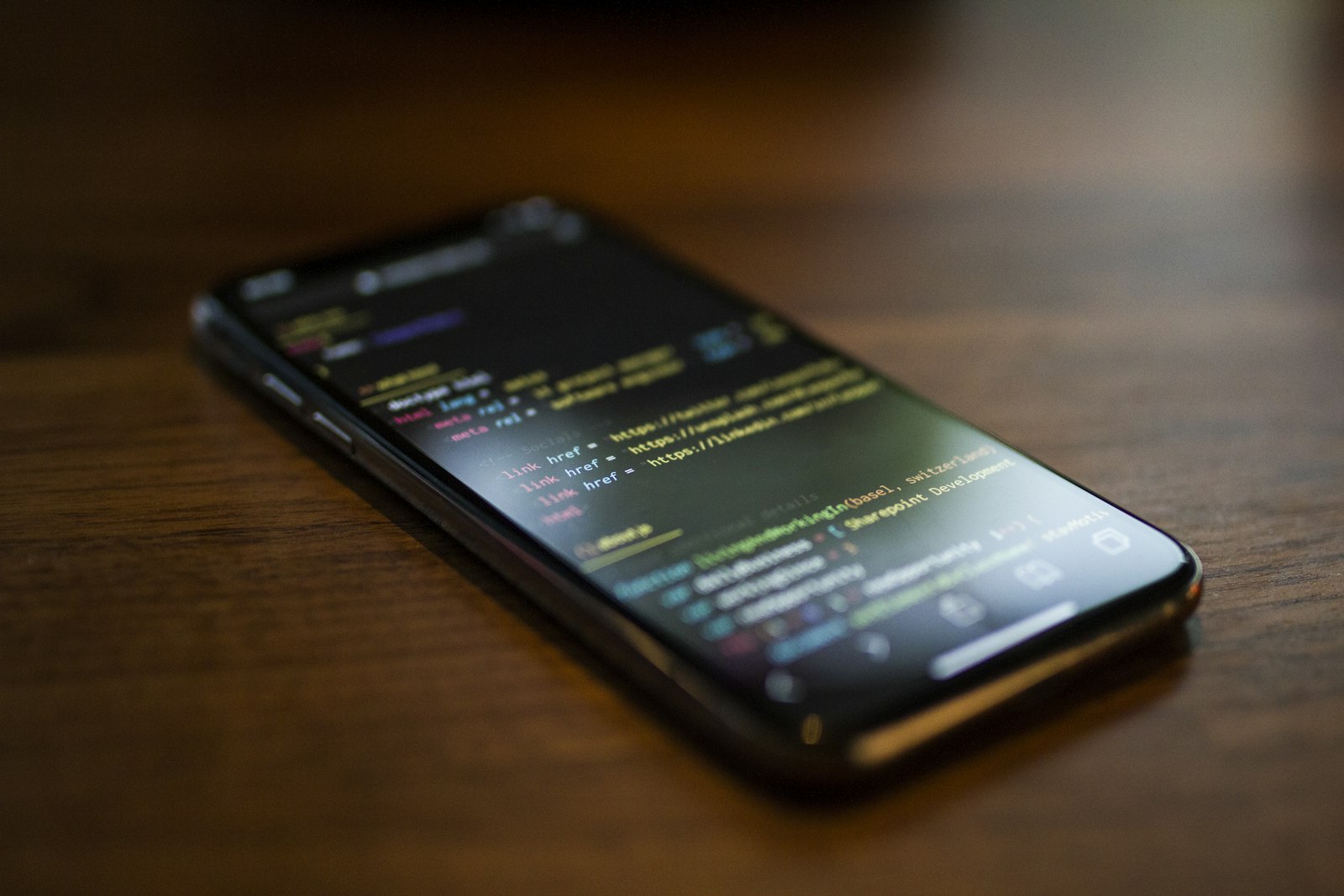
The split I give the team
I wrote this in a Notion page and then, because nobody reads Notion, I said it on a call.
The model may draft the data layer and the tests.
A person owns the widget tree and the state boundary.
If a screen has more than one obvious loading path, a person writes it.
If we already have a widget that does the job, we do not generate a cousin.
That last one is the real money. AI is a cousin factory. You ask for a date picker and you get a fourth date picker with slightly different padding. Six months later you cannot change the brand color without a treasure hunt.
We keep a small set of app widgets. The prompt, when I bother to write one, starts with "reuse AppButton and AppEmptyState. Do not create new primitives." When I forget that sentence, I get new primitives.
Speed was never the thing I was missing
I can type a Flutter screen. That is not the bottleneck. The bottleneck is making the fifth screen feel like the first, on a device I do not use as my daily driver, with a client who will tap the broken path first.
AI helps when it removes the work I already understand. It hurts when it removes the work I use to understand the product. I do not want a model deciding how an agent marks a booth ready. I will let it write the fromJson.
If you are faster now and your app looks like a folder of one-off screens, you did not get a senior teammate. You got a very confident paste buffer. Keep the paste buffer. Take the keyboard back for the parts people can see.